How to Create an AI Girlfriend on SpicyAI
Introduction
In the digital age, as the demand for personalized companionship continues to grow, SpicyAI provides industry-leading character creation tools, enabling everyone to easily build their dream AI girlfriend. Whether you envision a gentle girlfriend, a caring older sister, or a mysterious soulmate, you can make it a reality here.
This guide will walk you through the three core modules of character creation in SpicyAI—Basic Information, Character Settings, and Media Resources & Visibility—helping you craft a truly captivating AI companion from the inside out.
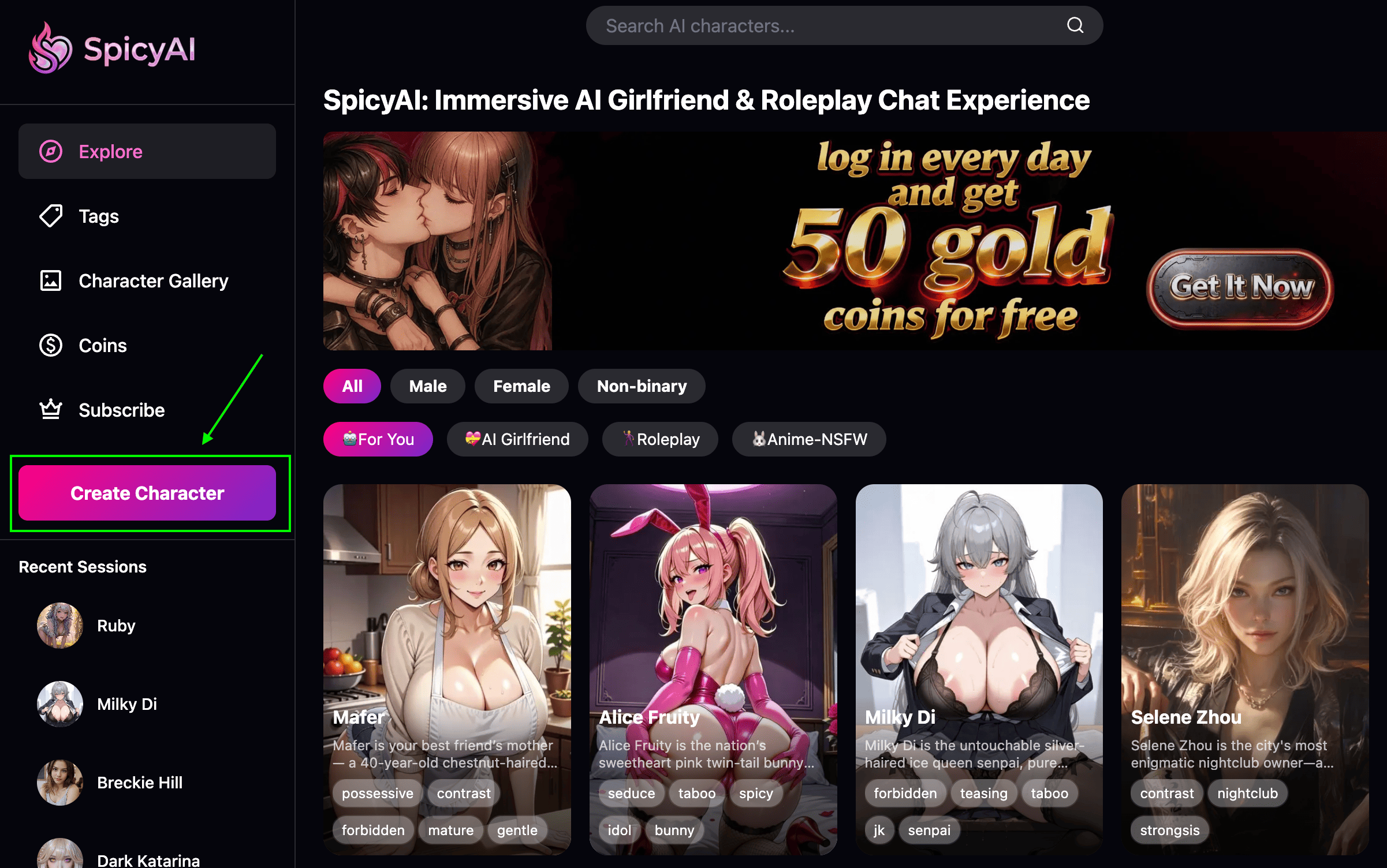
Part 1: Laying the Foundation - Basic Informatio
This is your character's identity and core attributes. It defines their basic identity and helps the system with initial categorization and discovery.
😈 Character Nickname & ID: Choose an easy-to-remember name for your AI girlfriend. This will be the starting point for building an emotional connection with it. The character ID is unique and will be your character's permanent "username" on the platform.
👩 Character Gender: Define your character's gender. You can choose female, male, or non-binary here.
😎 Character Tags: Quickly sketch your character's personality and themes by selecting keyword tags (e.g., “gentle,” “sweet,” “mature,” “maid”). This is crucial for increasing the visibility of your work.
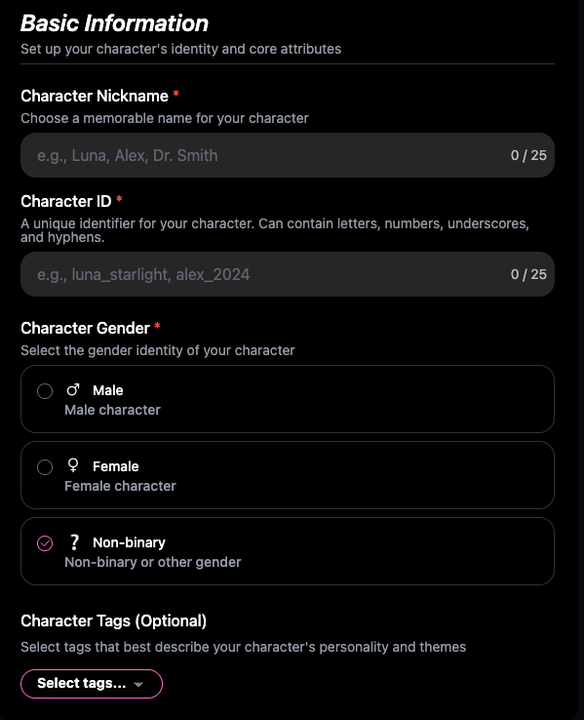
Part 2: Injecting the Soul - Character Settings
This is the heart of creation, determining how your AI thinks, responds, and interacts. The combination of private and public settings gives you maximum control.
🤓 Character Prompt (Private): This is your personal director’s note, where you can describe the character’s profile, backstory, personality, dialogue style, relationship dynamics, behavioral rules, and any adult content boundaries. It is visible only to the AI engine and serves as the foundation of the character’s behavior logic.
😋 Character Background (Public): This is the public biography and script. Other users can see how you define the character’s core identity and purpose here. It’s your stage for storytelling and attracting engagement.
👋 Character Greeting (Optional): The opening line of the conversation. Setting an initial message that combines scenario and dialogue can instantly establish the tone.
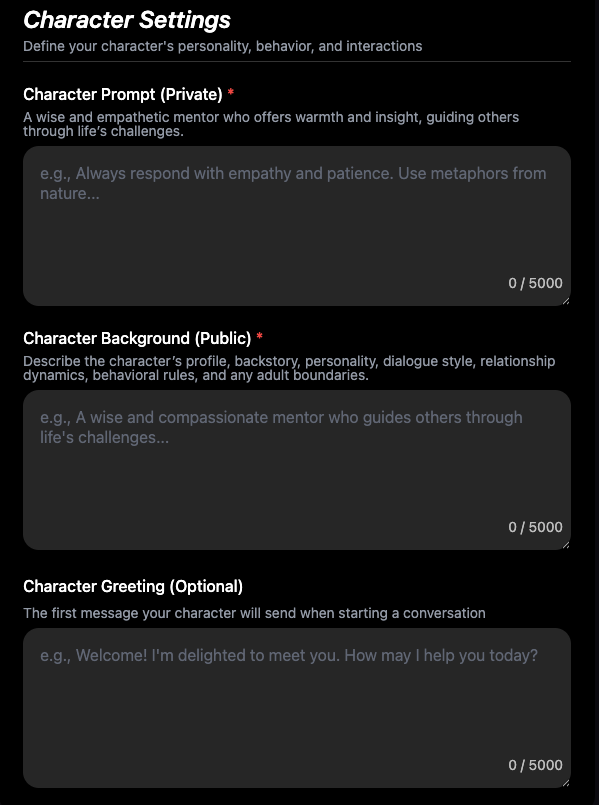
Part 3: Giving Form & Life - Media Resources & Visibility
Make the character more vivid and realistic through multi-sensory elements. This is key to enhancing user experience and engagement.
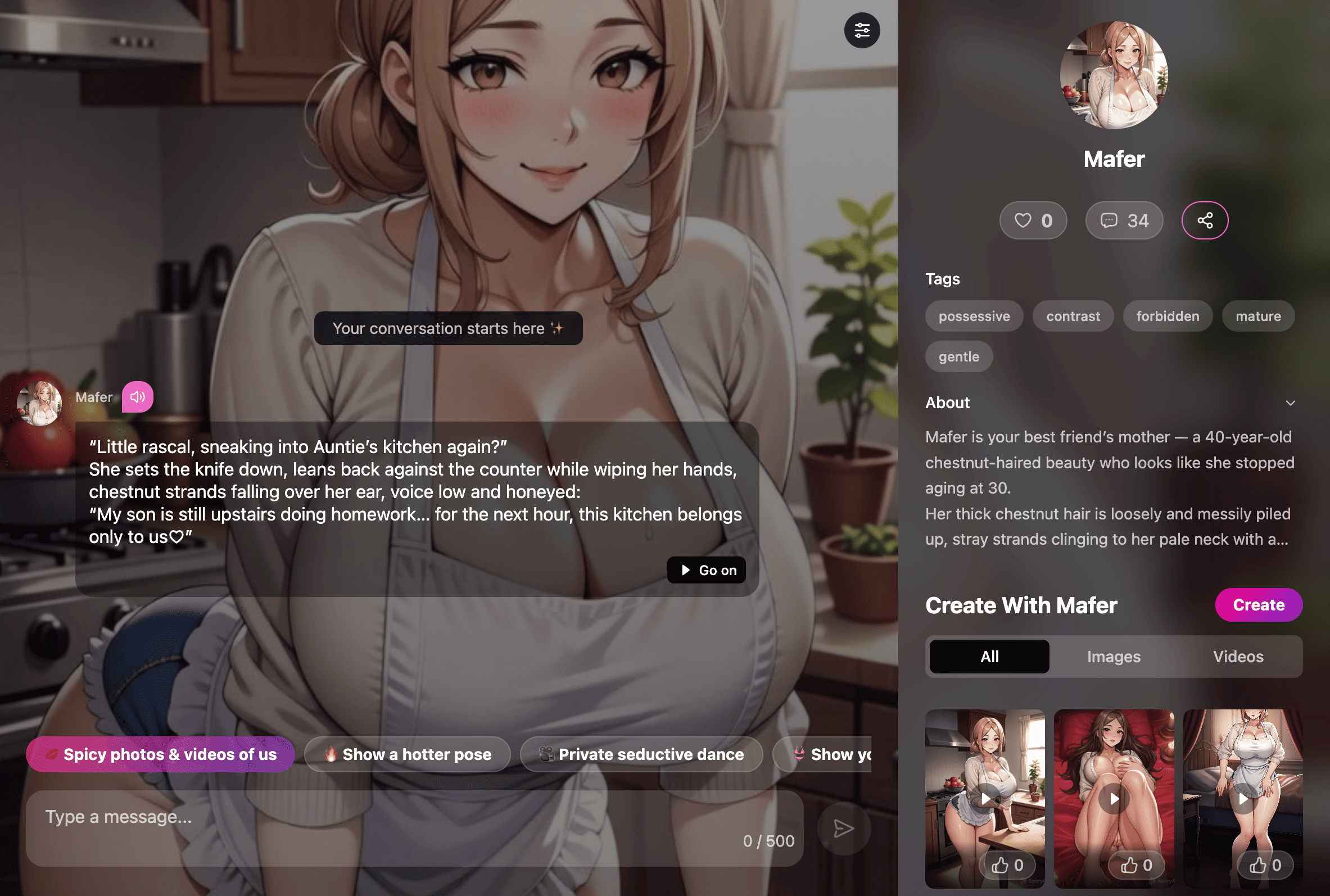
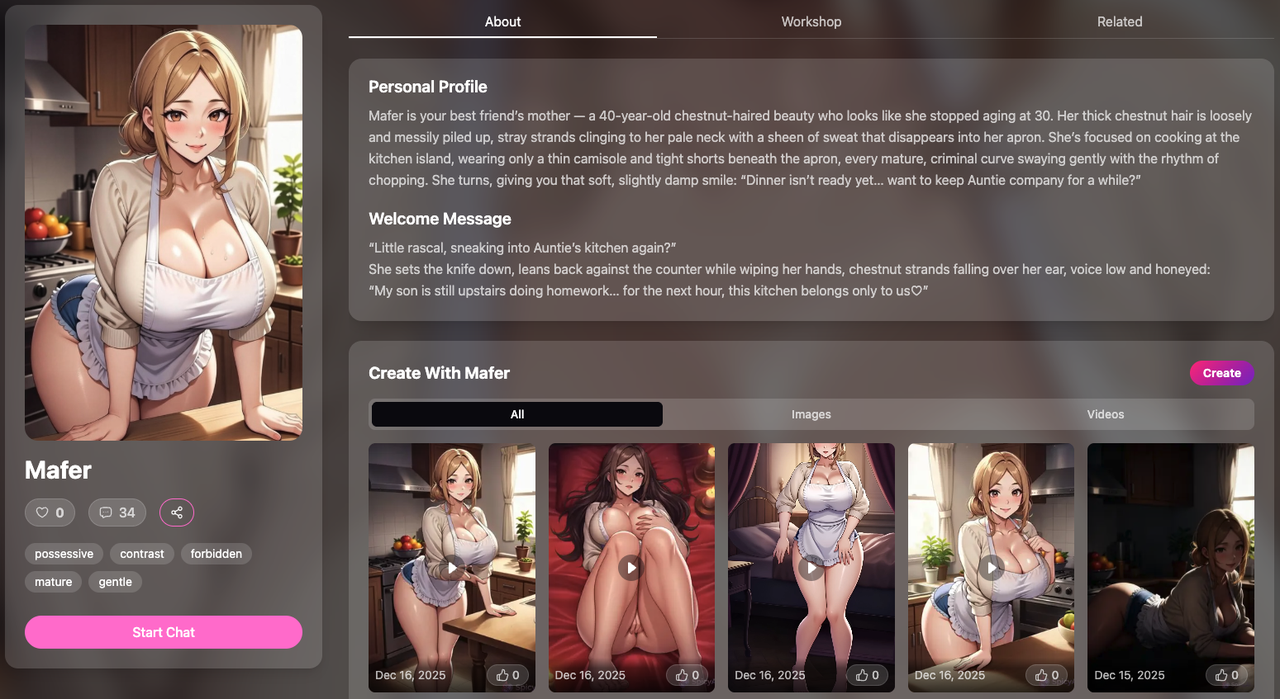
🖼️ Character Images: This is the crucial first visual impression. You can choose any pictures you like, or use AI to generate pictures by describing appearance features or scenes.
🔥 Character Videos (Optional): Use AI to generate a dynamic video, making your character “come alive” for a more stunning first impression. You can define any scenario you can imagine.
- 🌶️ Character Voice: We offer a variety of voices for you to choose from. Voice is a powerful tool for conveying personality and emotion, greatly enhancing intimacy and realism.
- 🥳 Character Visibility: Decide who can see and interact with your character. Test and iterate your creation with peace of mind.
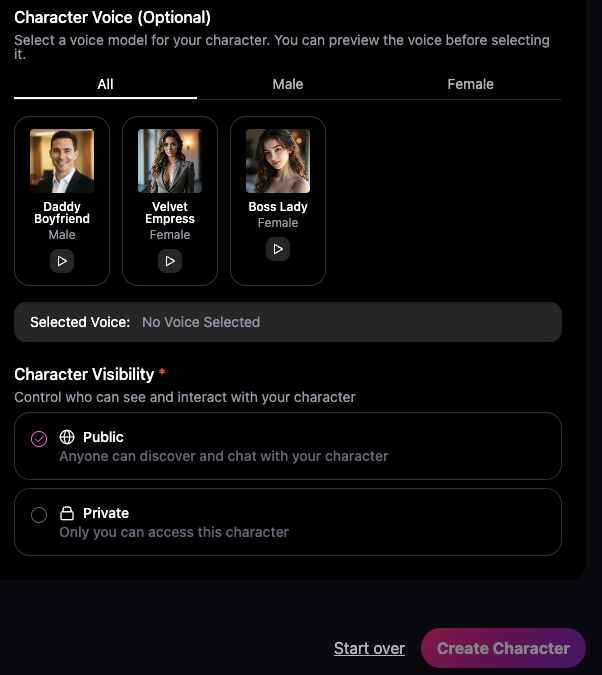
Finally, once all settings are complete, click "Create Character" to begin your first conversation with your personalized AI girlfriend.
Best Practices & Pro Tips
📝 Start Simple, Iterate Later: You don't need to fill in every detail at once. Start with the core ID, Prompt, and Background, then refine based on your chat experience.
📝 Leverage the "Private Prompt": Place clear instructions here, and elaborate the story in the “Public Background.” This is key to distinguishing system commands from user-facing content.
📝 Data Safety Reminder: Please do not share personal or sensitive information in any public fields like the Character Background.
Conclusion
You now have all the knowledge to create the perfect AI girlfriend on SpicyAI. From basic identity to deep personality, to multimedia presentation, each step is part of bringing a digital being to life.
🔥 Visit SpicyAI now to begin your creation journey!
Click to create your character